
Call us now :07971258344
 Send Inquiry
Cisco Network Switch
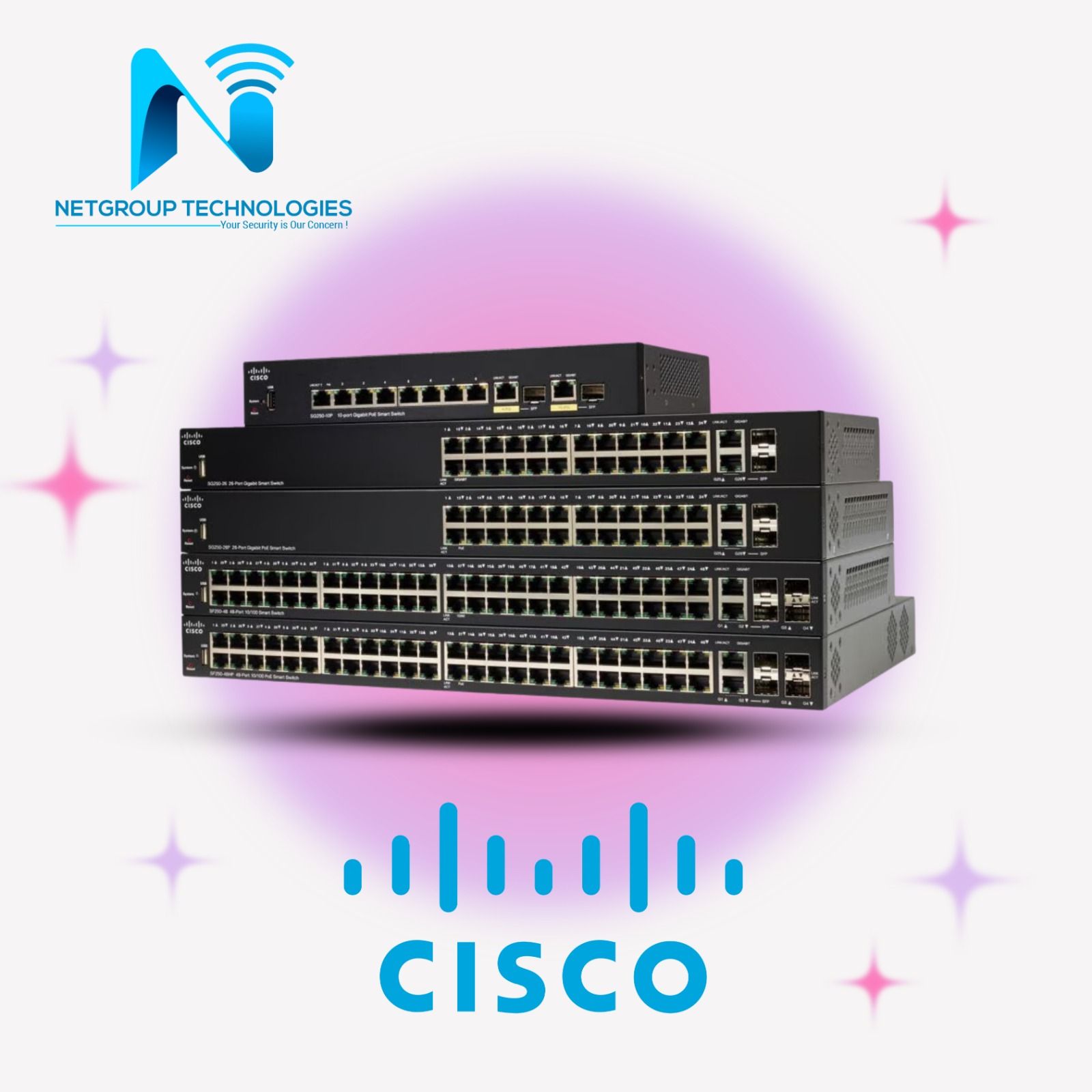


Cisco Network Switch Specification
- Weight
- 6.8 Kilograms (kg)
- Power Supply
- Internal AC/DC power supply
- Operating Temperature
- 0 to 45 Celsius (oC)
- Frequency
- 50/60 Hertz (HZ)
- Interface Type
- RJ45, SFP (varies by port type)
- Port
- 8/16/24/48
- Features
- VLAN, QoS, Link Aggregation, Security, IGMP Snooping
- Device Type
- NETWORKS
- Power Consumption
- 100 Watt (W)
- Dimension (L*W*H)
- 445 x 420 x 44 Millimeter (mm)
- IP Routing
- Layer 2 and basic Layer 3 IP routing supported
- Remote Control
- Yes
- Usage & Applications
- Enterprise, campus, data center networking
- Network Device
- Cisco Network Switch
- Connectivity Type
- Wired
- Number Of Ports/Pins
- 8/16/24/48 (model-dependent)
- Cable Length
- 100 Meter (m)
- Fan Type
- Integrated variable speed fans
- Backup Power
- RPS connector (model-dependent)
- Switching Capacity
- Up to 176 Gbps (model-dependent)
- LED Indicators
- Status, activity, port speed
- Mounting Type
- Rack-mountable
- Forwarding Rate
- Up to 77.4 Mpps
- Environmental Certifications
- Energy Efficient Ethernet
- MAC Address Table Size
- Up to 16,000 entries
- Stacking Capability
- Supported on specific models
- Management Software
- Cisco IOS, Cisco Network Assistant
- PoE Support
- Optional PoE/PoE+ on selected models
- Redundant Power Options
- Supported on selected models
- Model Series
- Cisco Catalyst Series
- Security Features
- Port security, 802.1X authentication, ACLs
- Noise Level
- Typically <45 dBA
Cisco Network Switch Trade Information
- Minimum Order Quantity
- 1 Number
- Supply Ability
- 1000 Per Month
- Delivery Time
- 5 Days
Cisco Network Switch About
All kind of Cisco products available (Switch / Router / Firewall / AP)
Cisco (NASDAQ: CSCO) isthe worldwide technology leader that has been making the Internet work since 1984. Our people, products, and partners help society securely connect and seize tomorrows digital opportunity today.
CBS350 Series
C1000 Series
C1300 Series
All products available
Optimized Performance for Modern Networks
Cisco Catalyst Series switches are purpose-built for high-performance and scalability in enterprise, campus, or data center environments in India. With switching capacities reaching up to 176 Gbps and MAC address table support for up to 16,000 entries, these devices ensure seamless traffic handling. Integrated variable speed fans, low noise level (<45 dBA), and robust build quality support demanding 24/7 operations.
Comprehensive Security & Flexible Management
Security remains paramount with advanced options such as port security, 802.1X authentication, and access control lists (ACLs). Manage your network effortlessly via Cisco IOS CLI, web-based GUI, or SNMP. The series is equipped with status, activity, and port speed LED indicators for at-a-glance diagnostics, ensuring streamlined operation and quick problem resolution.
FAQs of Cisco Network Switch:
Q: How do I manage and configure a Cisco Catalyst Series Network Switch?
A: You can manage Cisco Catalyst switches using Cisco IOS CLI, a web-based GUI, or SNMP. Cisco Network Assistant provides an intuitive interface for configuration, monitoring, and troubleshooting. Setup can be performed locally via console access or remotely over the network.Q: What benefits does stacking capability offer on selected models?
A: Stacking allows multiple compatible switches to operate as a single logical unit, simplifying management and enabling higher resiliency, increased port density, and simplified upgrades within the network infrastructure.Q: When should I utilize redundant power or RPS features on these switches?
A: Redundant Power Supply (RPS) and backup options are recommended for environments where maximum uptime is essential, such as data centers or critical infrastructure. These features ensure continuous operation in case the primary power supply fails.Q: Where can these network switches be effectively deployed?
A: Cisco Catalyst switches are ideal for deployment in enterprise networks, corporate campuses, and data centers. Their rack-mountable design and various port configurations cater to different scale requirements and networking topologies.Q: What is the process for upgrading or expanding the network with additional ports?
A: You can upgrade network capacity by adding more switches to the stack (if stacking is supported), or by installing models with higher port counts. The switches support plug-and-play installation for both copper and SFP-based connections, complying with standard Ethernet cable lengths up to 100 meters.Q: How does integrated security enhance my networks protection?
A: The integrated security features such as port security, 802.1X authentication, and ACLs help prevent unauthorized access, ensure device-level authentication, and define traffic rulesprotecting the network from malicious attacks and breaches.Q: What is the typical power consumption and noise level of these switches?
A: Cisco Catalyst Series switches typically consume up to 100W (depending on model and usage), with noise levels generally below 45 dBA due to integrated variable-speed fans, making them suitable for office and data center use.Tell us about your requirement

Price:
Quantity
Select Unit
- 50
- 100
- 200
- 250
- 500
- 1000+
Additional detail
Mobile number
Email

More Products in Network Switch Products Category
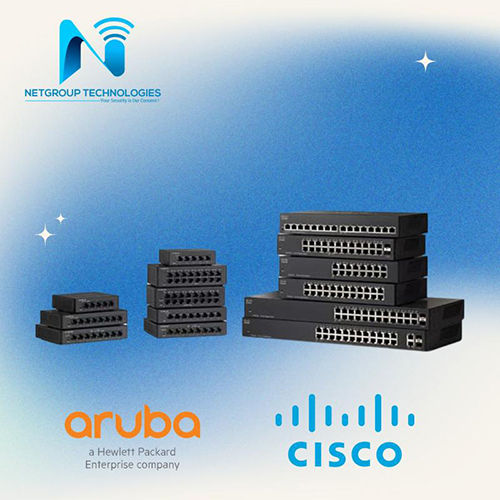
Cisco, HPE Aruba Network Switch
Minimum Order Quantity : 1 Unit
Port : Available
Power Supply : Electric
Network Device : Hub
Power Consumption : 220 Volt (V)
Dimension (L*W*H) : Differ as per model Millimeter (mm)
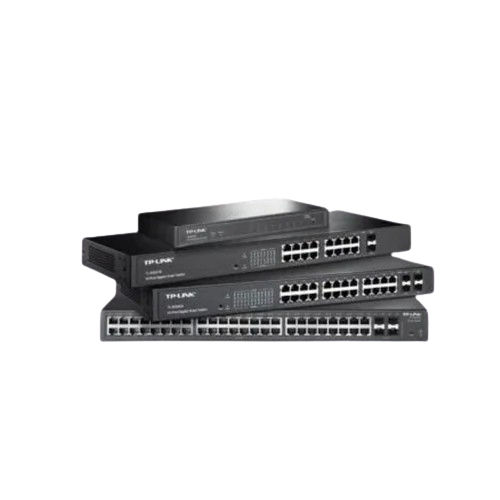
TP Link Network Switch
Minimum Order Quantity : 1 Unit
Port : Ethernet, USB
Power Supply : Electric
Network Device : Gateway
Power Consumption : 520 Watt (W)
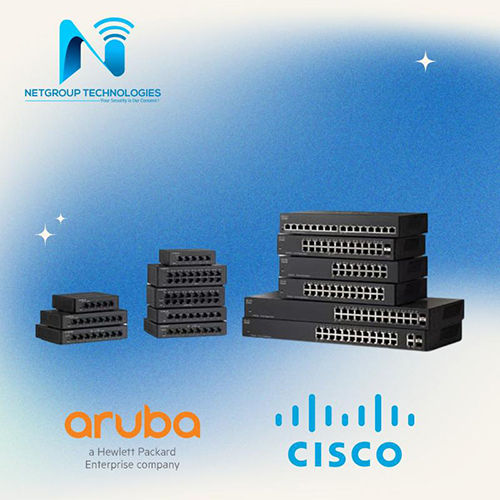
Cisco HPE Aruba Network Switch
Minimum Order Quantity : 1 Unit
Port : Available
Power Supply : Electric
Network Device : Switch
Power Consumption : 220 Volt (V)
Dimension (L*W*H) : Differ as per model Millimeter (mm)
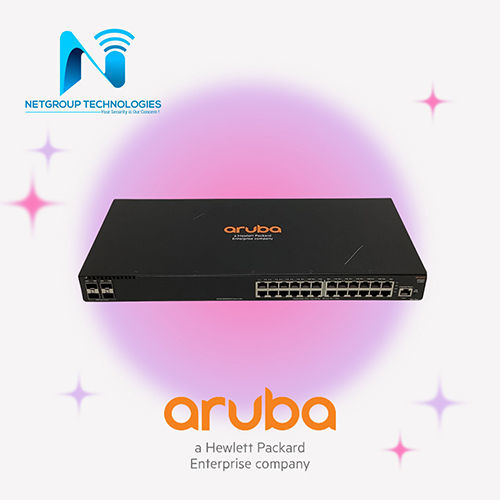
HPE Aruba Switch
Minimum Order Quantity : 1 Unit
Port : Available
Power Supply : Electric
Network Device : Switch
Power Consumption : 220 Volt (V)
Dimension (L*W*H) : Differ as per model Millimeter (mm)


 Send Inquiry
Our Products
- Dell Rack Server
- Software Products
- Office Desktop
- Network Installation Services
- Network Support Services
- Server Installation Services
- Cloud Consulting Service
- IT Amc Service
- Network Security Products
- Firewall Installation Services
- Data Recovery Software
- Server Support Services
- CCTV Camera
- Server Products
- Microsoft Software
- Flat Panel Display
- Server Parts
- Graphic Designing Service
- Backup Solutions
- Data Center Solutions
- Biometric Attendance System
- Windows Operating Systems Software
- Internet Solution Services
- IT Storage Products
- PDF Software
- Cisco Courses
- IT Rack Products
- Network Access Point Products
- Network Products
- Industrial Grade Ethernet Switch
- Sonicwall Firewall
- Network Switch Products
- Anexgate Firewall Products
- Fortigate Firewall Products
- Checkpoint Firewall Products
- Network Cable
- Data Centre Support Services
- Watchguard Firewall Product
- Backup Service
- Netgate Firewall
- Sophos Firewall Products


C/O-Dipankar Maity, Kulberia, Polerhat, New Town, ( Near Vivekanand School. )South 24 Parganas - 743502, West Bengal, India

Mr Dipankar Maity
(Director)
Mobile :07971258344
 Send Inquiry
 Send SMS
 Call Me Free
Developed and Managed by Infocom Network Private Limited.
